GoodNotes Free vs Paid: How to Choose the Best Digital Note-Taking Solution

Introduction: Free or Paid? The GoodNotes User's Dilemma
When choosing digital note-taking apps, GoodNotes has always been the top choice for iPad users. But when faced with the question "Is GoodNotes free?", many users find themselves in a dilemma. This article provides an in-depth analysis of GoodNotes' free and paid versions to help you make the best choice for your needs.
GoodNotes Free Version: Complete Basic Features
Core Features of the Free Version
GoodNotes' free version offers surprisingly complete functionality:
Basic Note-Taking Features
- Unlimited notebook creation
- Full handwriting recognition
- Multiple pen styles and colors
- Image and PDF import support
- Cloud sync functionality
Templates and Tools
- Built-in note templates
- Shape recognition and conversion
- Text input and editing
- Search functionality
Free Version User Experience
For most students and general users, GoodNotes' free version can satisfy 90% of daily needs. You can:
- Create unlimited notebooks
- Use all basic note-taking features
- Enjoy complete handwriting recognition
- Sync and backup to the cloud
GoodNotes Paid Version: Upgrade for Professional Users
Key Advantages of the Paid Version
GoodNotes 6's paid version (one-time purchase) offers these advanced features:
AI Smart Features
- AI handwriting recognition and conversion
- Smart note organization
- Automatic tag classification
Advanced Editing Features
- More template options
- Advanced PDF annotation tools
- Collaboration and sharing features
Professional Tools
- Math formula recognition
- Chart and table tools
- Advanced export options
Paid Version Value Analysis
One-Time Purchase Model
- Price: Approximately $9.99 (one-time)
- No subscription fees
- Lifetime usage rights
- Free update support
User Selection Guide: How to Make the Right Choice
When to Choose the Free Version
User characteristics suitable for the free version:
- Students or budget-conscious users
- Basic note-taking needs
- Occasional digital note usage
- Low demand for AI features
Advantages of the free version:
- Zero cost usage
- Complete and practical functionality
- No subscription pressure
- Perfect for learning and getting started
When to Choose the Paid Version
User characteristics suitable for the paid version:
- Professional users or heavy users
- Need AI smart features
- Require collaboration features
- Pursue the best user experience
Value of the paid version:
- One-time investment, lifetime benefits
- Advanced AI features improve efficiency
- Professional tool support
- Better user experience
Practical Usage Recommendations
Trial Strategy
Recommended trial process:
- Use the free version for 1-2 weeks first
- Evaluate your actual needs
- Compare differences between free and paid features
- Decide whether to upgrade based on usage frequency
Cost-Benefit Analysis
Free version cost-benefit:
- Cost: $0
- Feature satisfaction: 85%
- Suitable for: 80% of users
Paid version cost-benefit:
- Cost: $9.99 (one-time)
- Feature satisfaction: 100%
- Suitable for: Professional users
Conclusion: Choose the Solution That Best Fits You
Recommendations
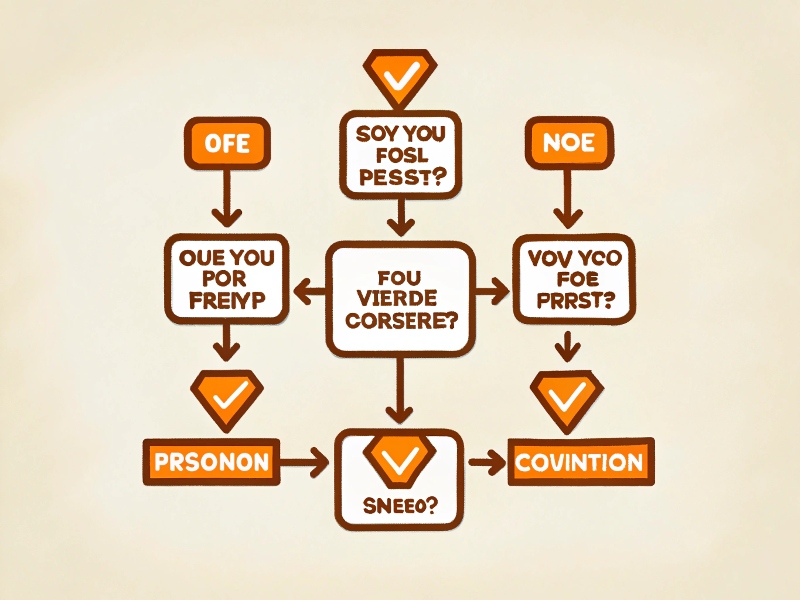
Choose the free version if you:
- Are a student or have a limited budget
- Primarily use it for learning and personal notes
- Have low demand for AI features
- Want to experience at zero cost
Choose the paid version if you:
- Are a professional user or heavy user
- Need AI smart features
- Pursue the best user experience
- Are willing to invest in advanced features
Final Recommendation
GoodNotes' free version is already very powerful and can meet most users' needs. If you're unsure whether you need the paid version, we recommend starting with the free version and evaluating your needs through actual use before deciding whether to upgrade.
Remember, the best choice is the one that meets your actual needs, not necessarily the most expensive or cheapest option.
This article is based on official GoodNotes information and actual user experience, aiming to help users make informed decisions.
Related Resources: